


Access Hotmail from Thunderbird
Hotmail for Thunderbird will allow you to use the email account that you use for Windows Live by Microsoft through Thunderbird the powerful email client developed by the Mozilla Foundation. Thanks to this you will no longer have to open your web browser or messenger to check the email you receive in that account.
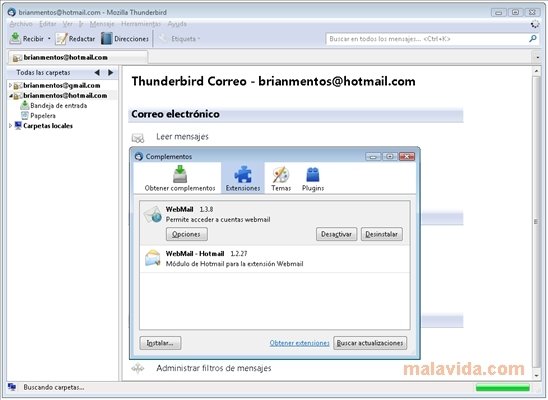
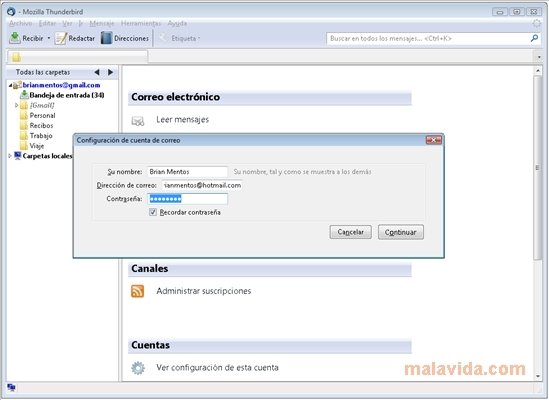
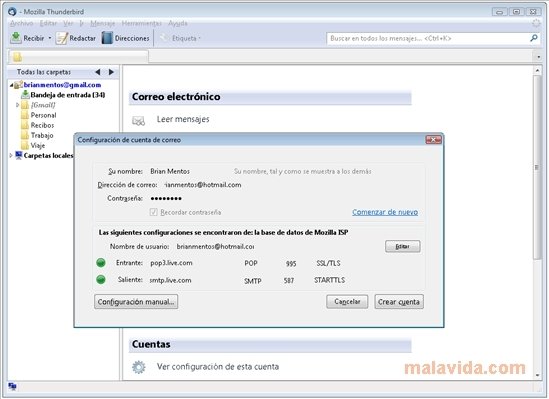
This complement is very easy to use, all you need is to have WebMail installed, add Hotmail for Thunderbird, and configure the email account, just as you would do with any other email account in Thunderbird.
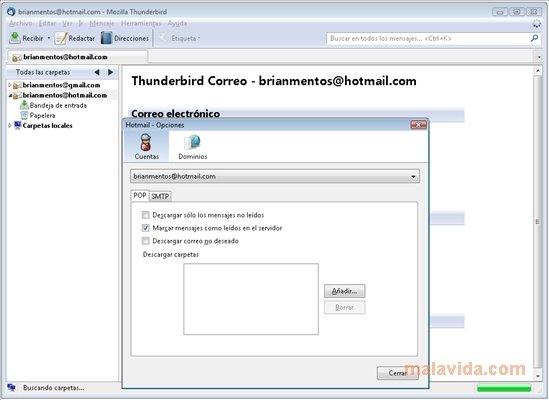
Furthermore, if we enter the mail options we will be able to determine if we want to save a copy of the mail on the server, or on the other hand, if we want to eliminate it directly as soon as it is downloaded. We will also be able to decide if we want to download the contents from the junk mail (SPAM) folder.
In what regards to the outbound mail, we will be able to specify if we want the contents to be in plain text or HTML, and if we want to save a copy of each message in the sent folder.
Therefore, if you want to have access to your Windows Live mail from one of the best clients available at this moment in time, download and install Hotmail for Thunderbird.
 Héctor Hernández
As a technology journalist with over 12 years of experience in the world of software and apps, I have had the opportunity to try all kinds of devices and operating systems over the years. I have done from software or mobile applications reviews...

Antony Peel